Custom invoices with possible
file to be released after payment
Create an invoice, get paid, release file.

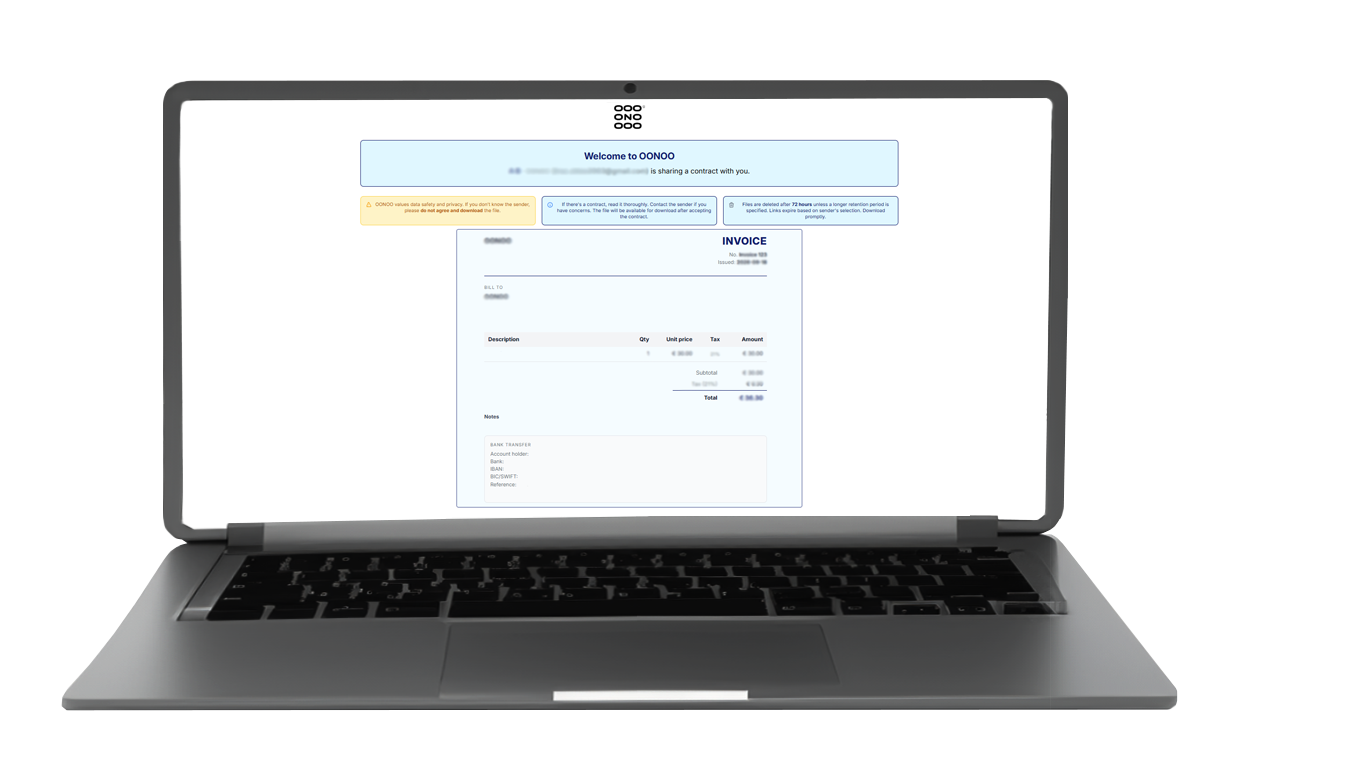
One clean invoice template that covers everything you need: your details, the recipient's details, line items, tax and totals. Fill it in and it is ready to send.

Add a file that will be shared once the invoice is paid. Mark the invoice as paid in your transfer log and the file is released automatically. Holding the file back until payment is a Pro feature.

Add multiple items with descriptions, choose your currency and tax percentages, and add a note or your payment terms. Protect the attached file with a watermark if you want to.


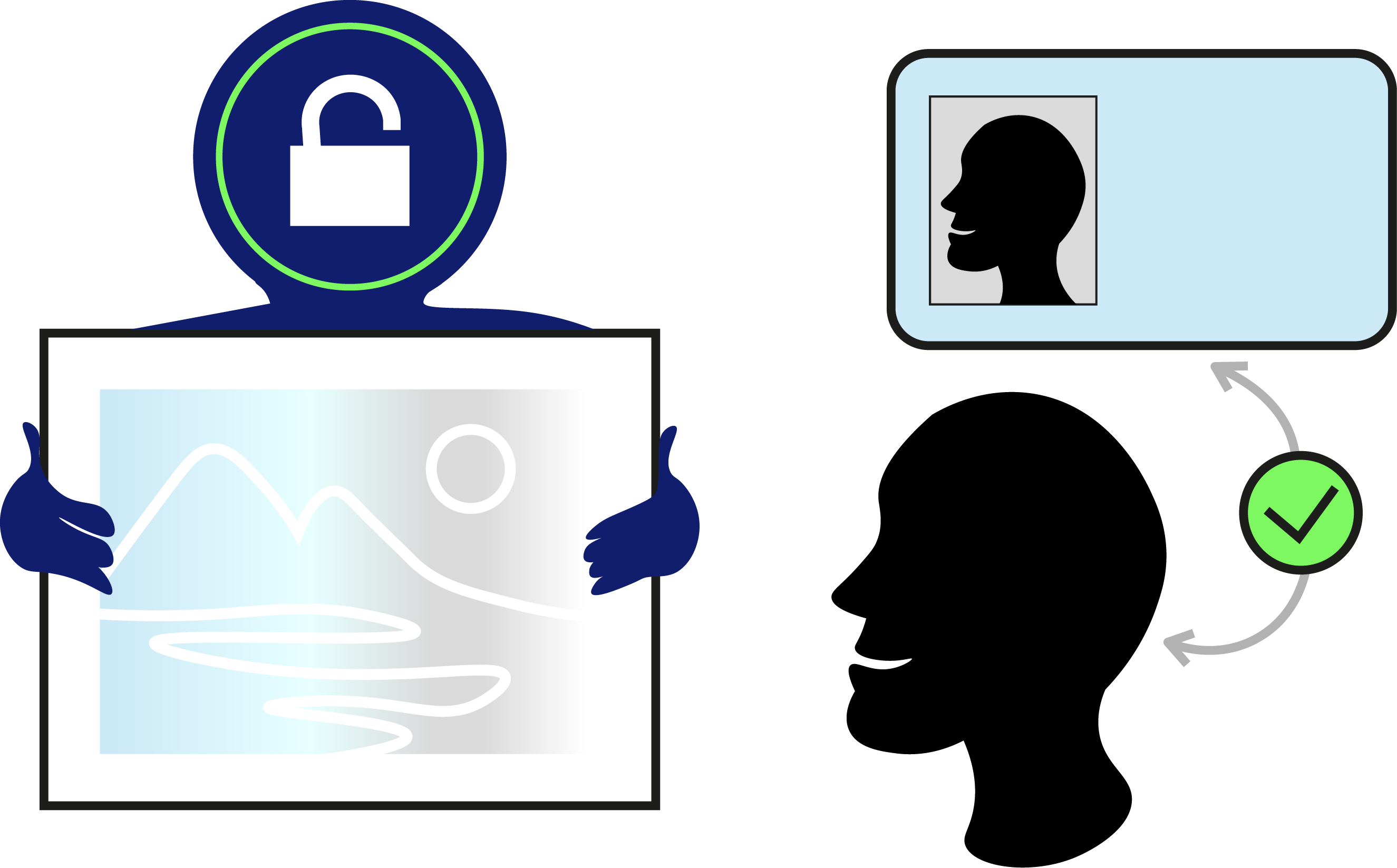
Receiver must complete ID verification before gaining access to the invoice.
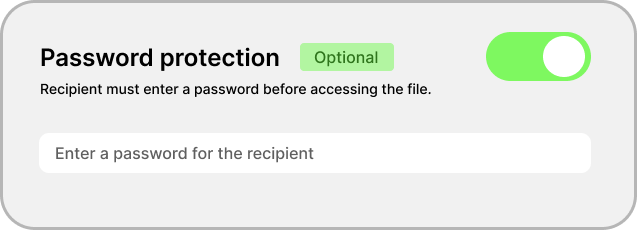
Set a password while you customise the send and share it with your recipient separately. No password, no invoice.
Have questions? We have answers.
Check out our FAQ section for more information about our services and how to use them.
No. You can build and send an invoice without an account and pay €2 for that send. A Pro subscription adds the transfer log, your saved business and bank details, the address book, and the option to hold an attached file back until you mark the invoice as paid.
No, and that is on purpose. You add your own bank details, a payment link, or a QR code to the invoice, and your client pays you directly. OONOO delivers the invoice and, if you want, releases the attached file once you confirm the money has arrived. We never sit between you and your payment.
No. Unlike our agreements, an invoice is not signed or accepted. Your recipient opens it, reads it, downloads a copy if they want one, and pays. If you do need a signature, send a custom agreement instead.
Yes. Add as many line items as you need, each with its own description, quantity, unit price and tax percentage. The subtotal, tax and total are worked out for you while you type. You can also add your logo, a note, your payment terms and a reference.
Yes. Send it without an account and the PDF comes back to you attached to your confirmation email. Send it from a Pro account and it stays in your transfer log, where you can print it and mark it as paid. Your recipient can download their own copy from the invoice page.
You choose the lifespan of the link: 24, 48 or 72 hours, and 2 weeks or 1 month as a paid extension. After that the link expires and anything attached to it is permanently deleted from our servers. Nothing is kept, and nothing is sold or shared.
Agreement Templates
Legal agreements with optional file transfer. Recipients must sign before gaining access.
File Transfer
Send encrypted files with time-limited access. No agreement needed.
View Only
Share files that can be viewed in the browser but never downloaded or saved.
Watermark Tool
Put your own text or logo over an image before you send it. Free to use.