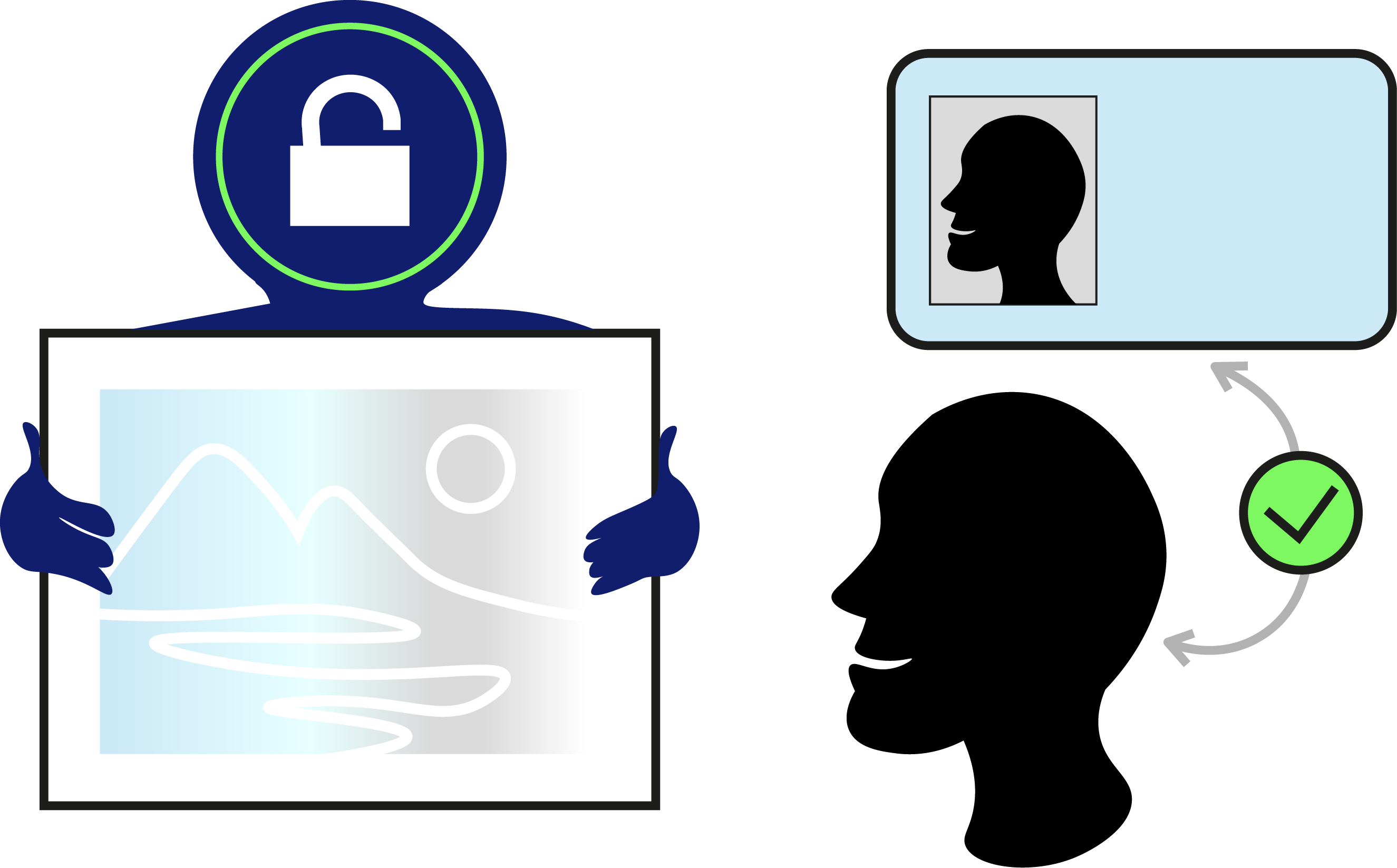
Add it on to your file during the customisation process
Read the terms of usageAvailable to add on all OONOO Products
To see if the ID verification is succeeded
To start the ID verification process
You'll need a mobile device to take or upload pictures of your ID document
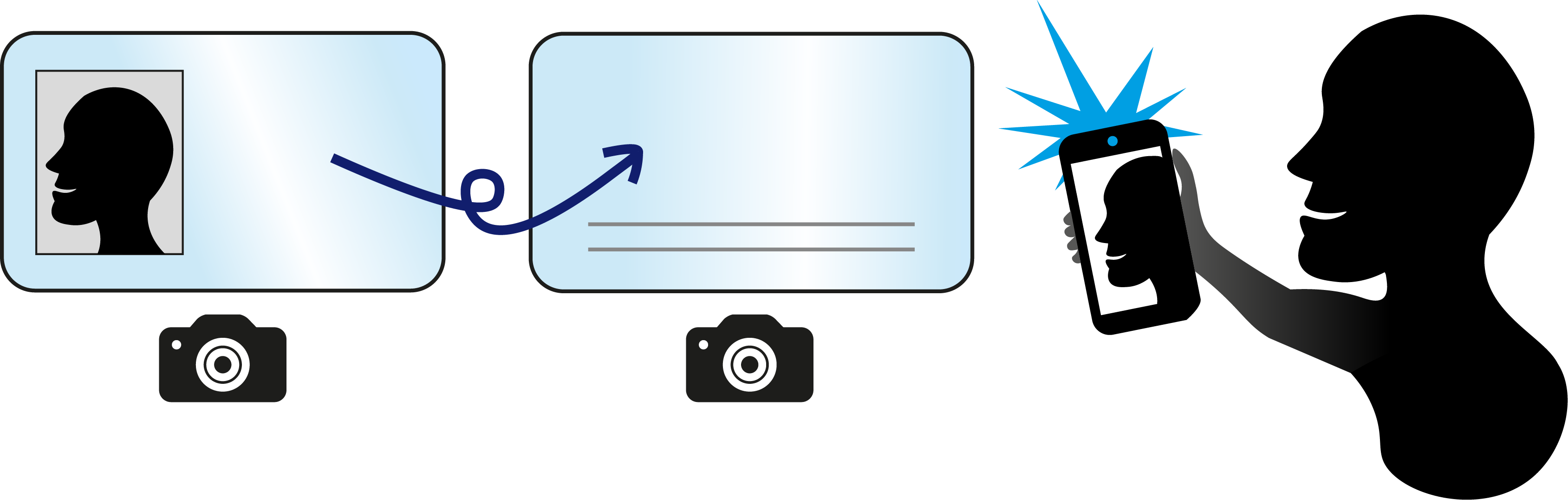
Stripe checks the name on the ID and the validity of the ID, and compares it to the name provided by the sender. And also checks if the person taking the selfie, shares a face with the ID owner
Write it down, and use it for the duration of the file to access it.
*There is no way to find the password again if you don't save it.
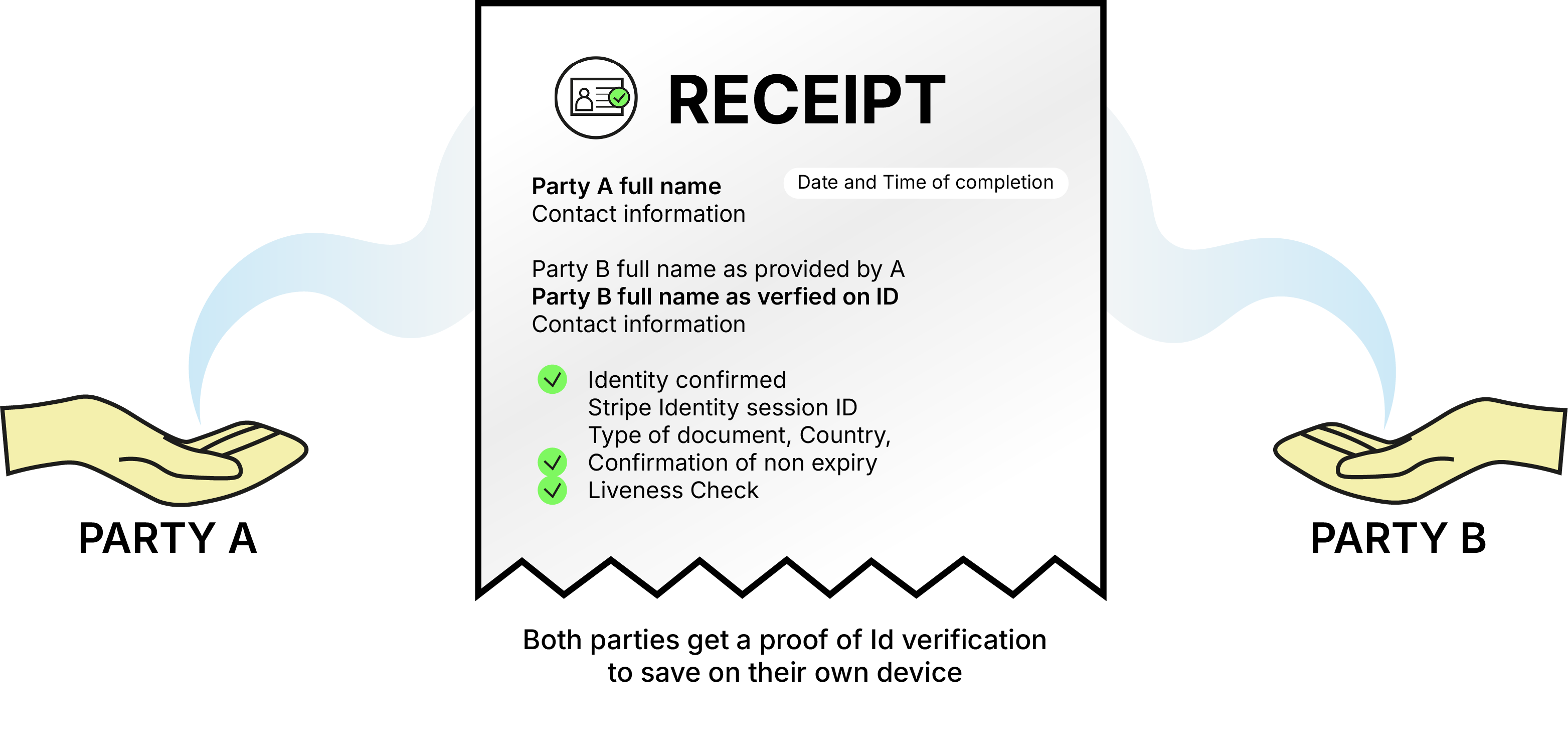
Below are some user cases for entrepreneurs!
A designer shares their design proposals in an early stage. They do not want to share the files with the client, but want to give them an insight in their sketch phase. In order to protect their copyright with an extra layer, they add Id verification, to ensure only the right person sees it.
Also works for draft proposals, client briefs, pricing sheets, pitch decks, audit summaries, research extracts, concept art previews, etc.

A solo entrepreneur authorizes a trusted assistant to handle certain business documents on their behalf. That assistant needs an ID-verified identity signing the Power of Attorney to strictly who they claim to be, preventing impersonation.
Also works for all other OONOO agreements, NDA, CLA, CPA, Non-Compete Amendments, Project Fee Agreements, Letter of Intent, etc.
A digital artist licenses a piece of original artwork to a business. They send a Colour-up License Agreement that describes the artwork and the usage rights under which it may be used. For extra protection, we have locked until the agreement is signed. Because the artwork is very valuable, the artist uses ID verification to confirm the identity of the person signing.
Also works for Software bundles, templates, paid research, audio stems, ebooks, unreleased footage, premium stock photos, 3D model files, raw video files, etc.

A wedding photographer sends high-resolution photos to a couple. They use ID verification because they want to ensure the files go only to the actual recipients, who paid for the job. The couple still needs the ability to download everything.
Also works for high-resolution photos, source code archives, editable design files, bookkeeping spreadsheets, client-ready presentations, research notes, contract drafts, etc.

Sending a file transfer with ID verification and want to make it even more secure?
Set the download limit to one!
Enough information? →
Get started
Have questions? We have answers.
Check out our FAQ section for more information about our services and how to use them.
Id verification can fail for a couple of reasons; If the name provided by the ID verification requester is not the same as the name on the ID. Stripe also checks if the Id owner is the same person that is taking the selfie, to prevent fraud. And it checks if the document is false/faked. Any of these can be the cause for a failed ID verification. To be sure, check the full government name again with the receiver in question.
We partner with Stripe to perform OONOO's Id verification because they also do our payment, and we aim to limit third parties to an absolute minimum.
No, OONOO compares the name on the ID provided by Stripe to the name provided by the sender. But does not store any information, for longer than necessary for verification purposes.
No, to prevent fraud or identity theft, one must take a picture in the Stripe Identity environment at the moment of verification.
Yes! The Id verification function is available in the OONOO PRO environment, and can be purchased as an add on to all OONOO products.